Lingo
2026 / 03
©26 . 27
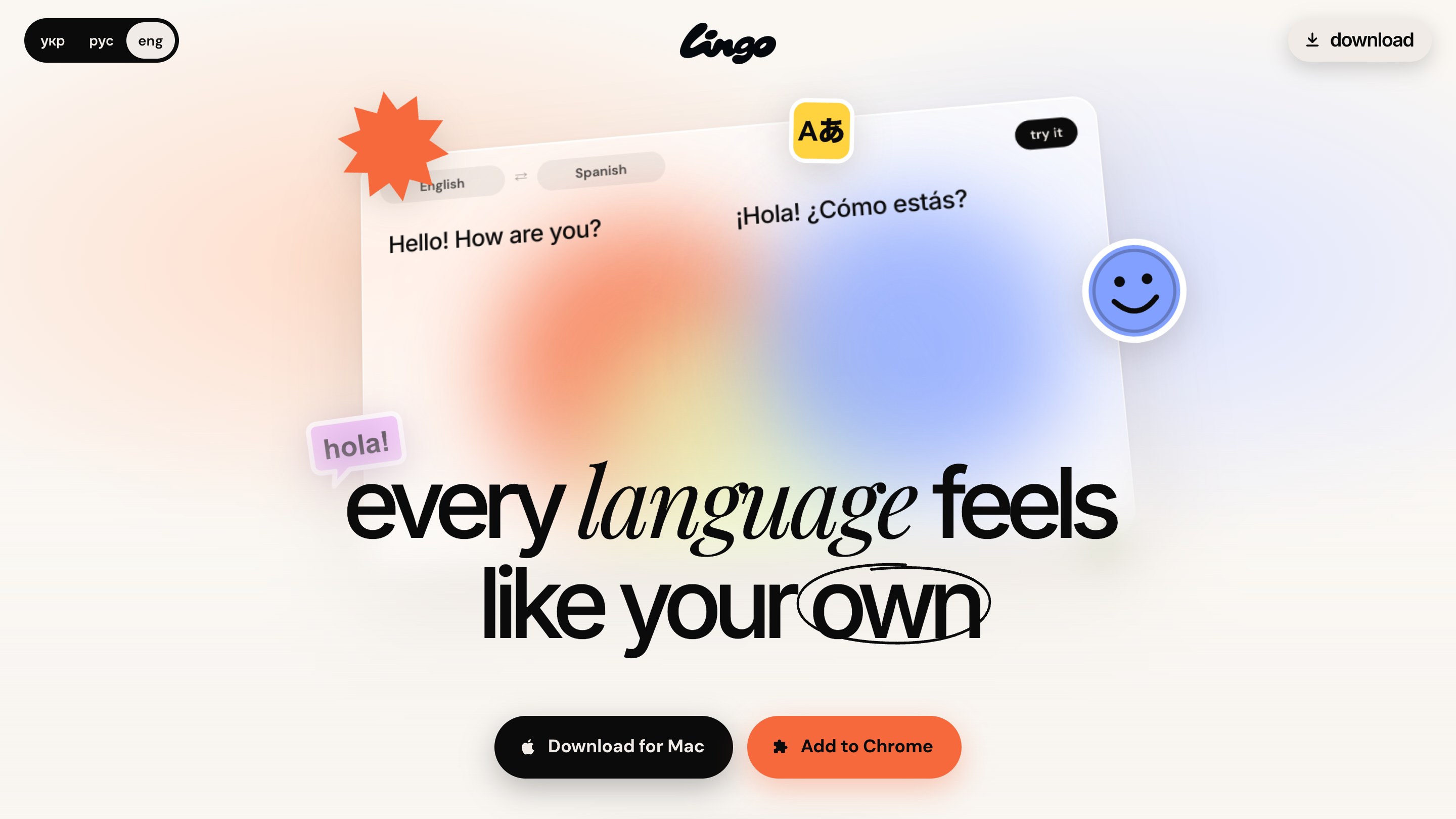
A translator for Chrome and Mac. Select text on any page and read the translation right next to it, with no new tabs and no copying.
- Client
- lingo.best · translator for Chrome and Mac
- What we did
- Product design, development, branding, motion
- Year
- 2026
- Categories
- Website development, Branding
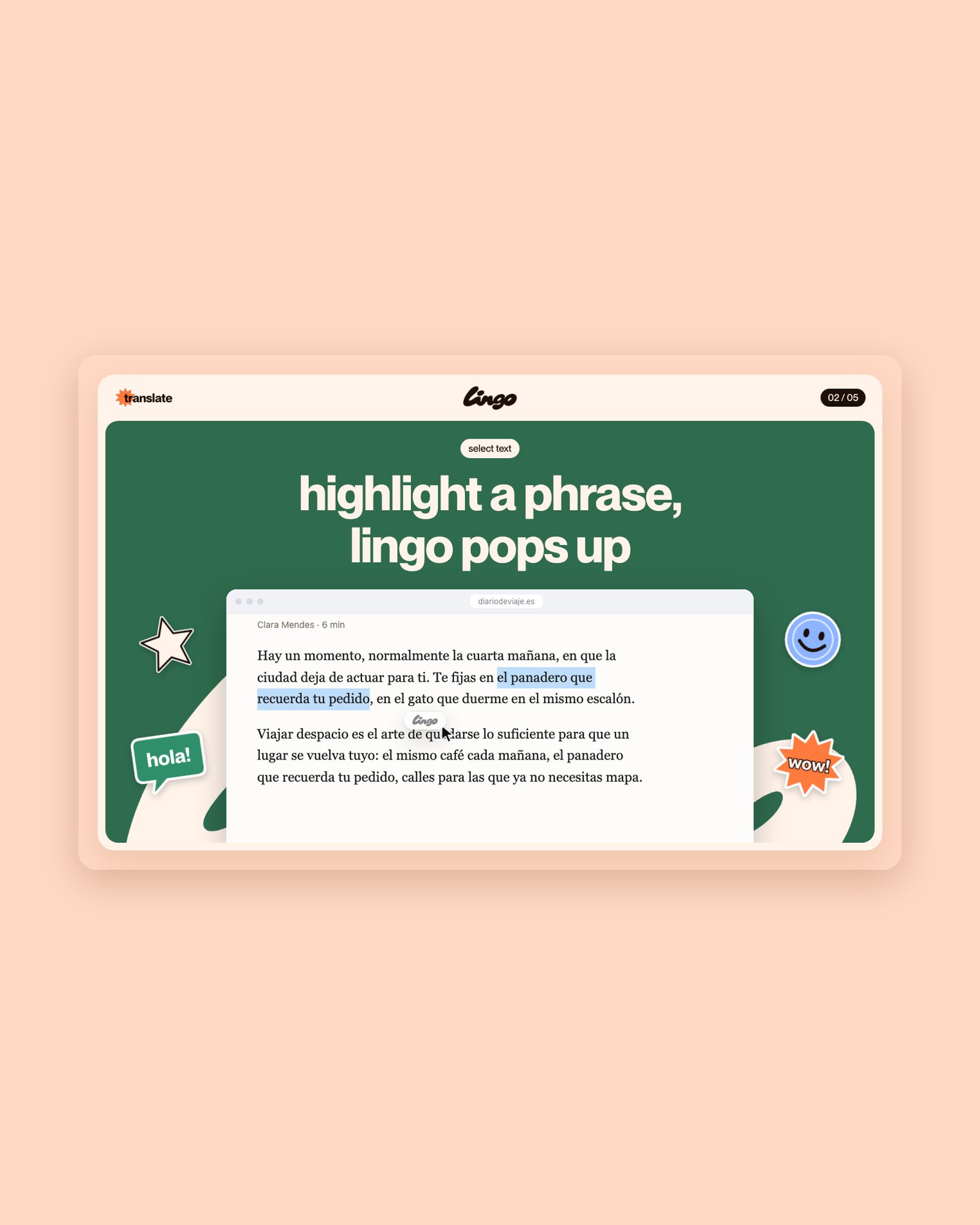
Copying text into another tab breaks your focus. Lingo keeps the translation where you are reading: highlight a phrase and it appears right under it, in a glass panel that feels like part of macOS.
( How it works )
- 01SelectHighlight a phrase on any page and the Lingo button appears under it
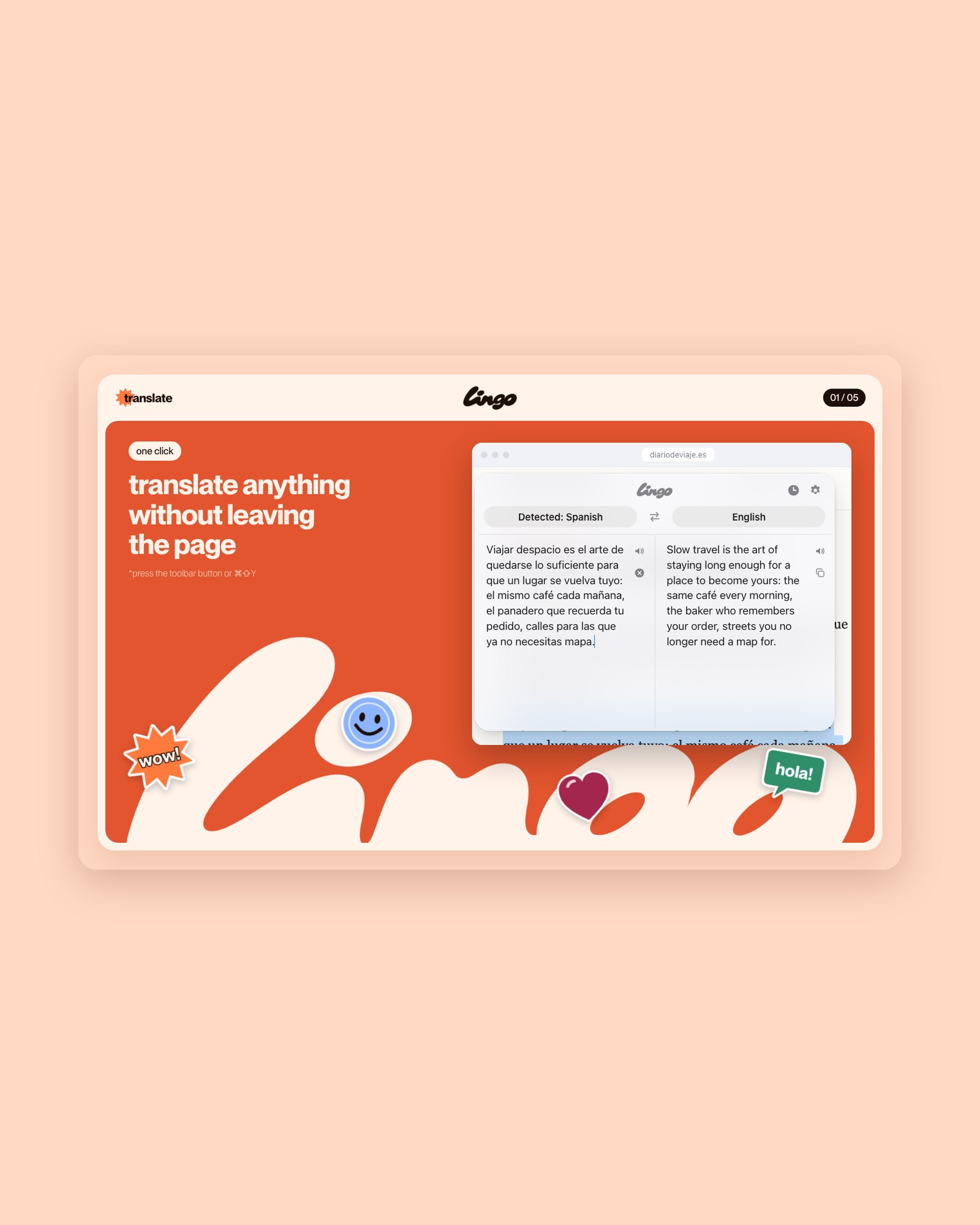
- 02OpenClick the toolbar icon or press ⌘⇧Y, and a glass panel slides in with the selection already translated
- 03TypeOn a Mac, Lingo sits in the menu bar: type anything and swap languages in one click
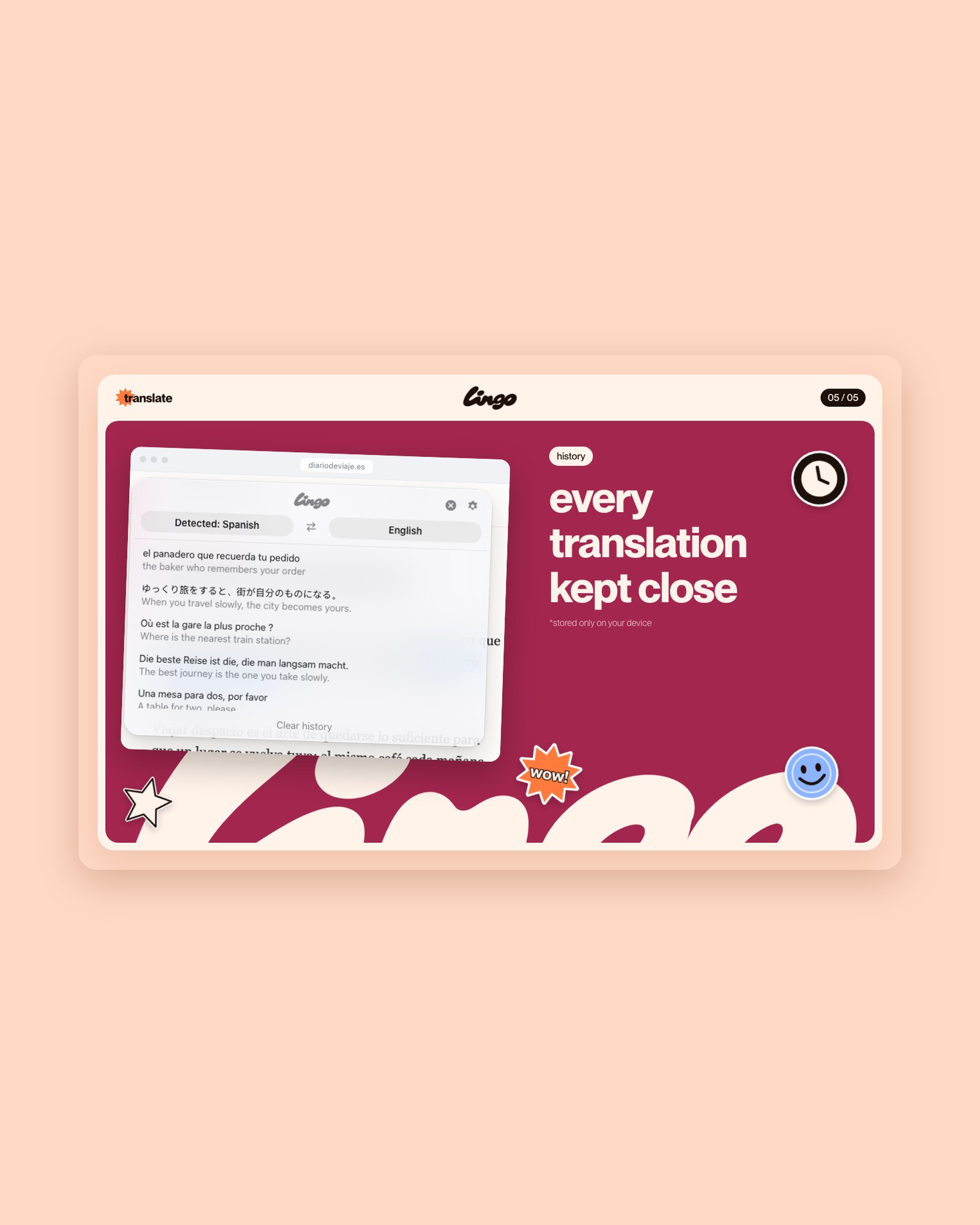
- 04ReturnEvery translation is kept in the history, on your device
( What we did )
Chrome extension
An in-page glass panel and a button under selected text that work on any site.
Mac app
A menu bar translator with a Liquid Glass interface and a Dynamic Island-style animation.
Brand and launch
The wordmark, sticker-style store visuals, a promo video and the lingo.best site in three languages.
( The product in numbers )
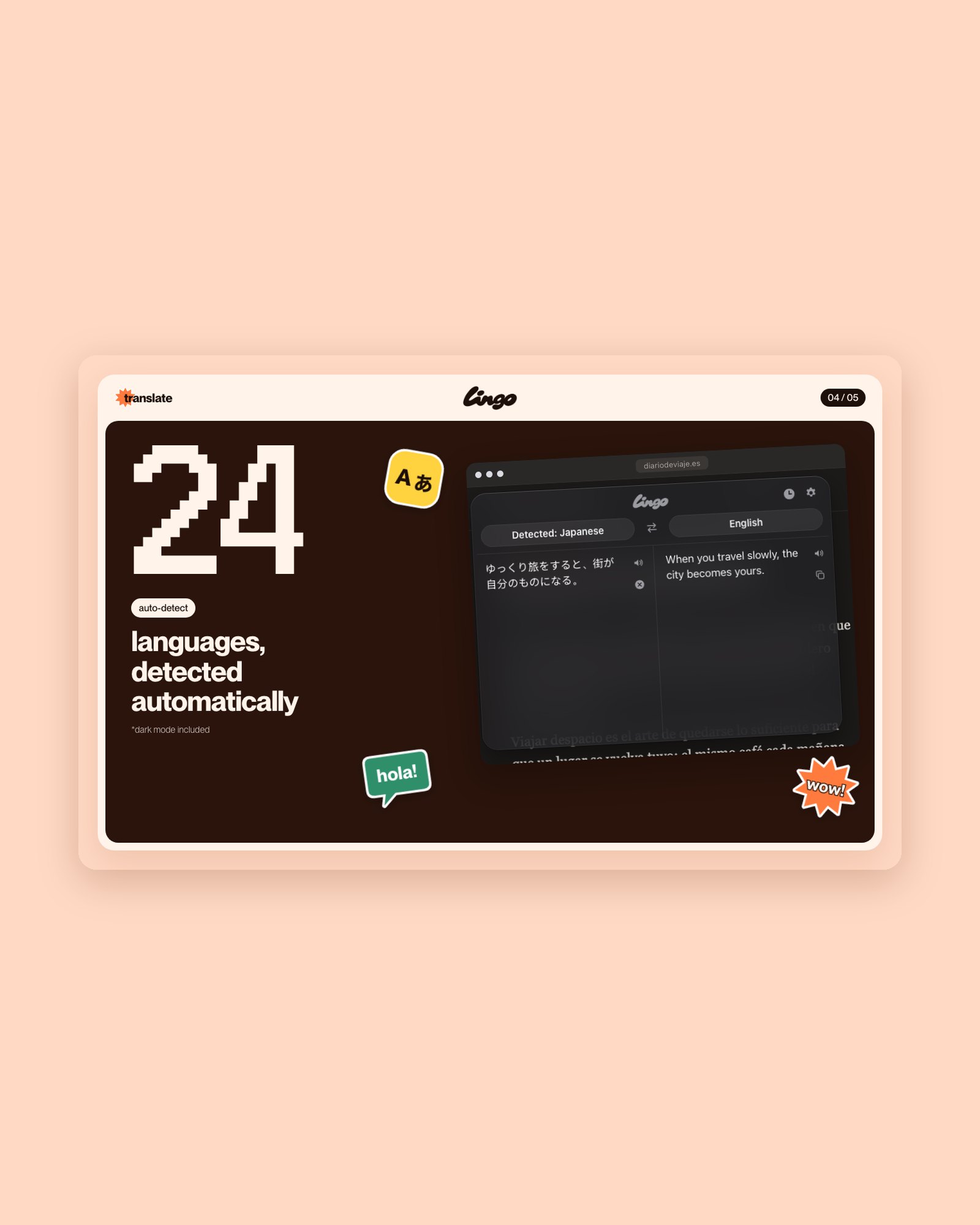
24languages, source detected automatically
2platforms: Chrome and macOS
0accounts: no sign-up, no tracking
( Idea )
A translator shouldn’t pull you out of what you’re reading. So there are no tabs and no accounts, and your history stays on your device.